
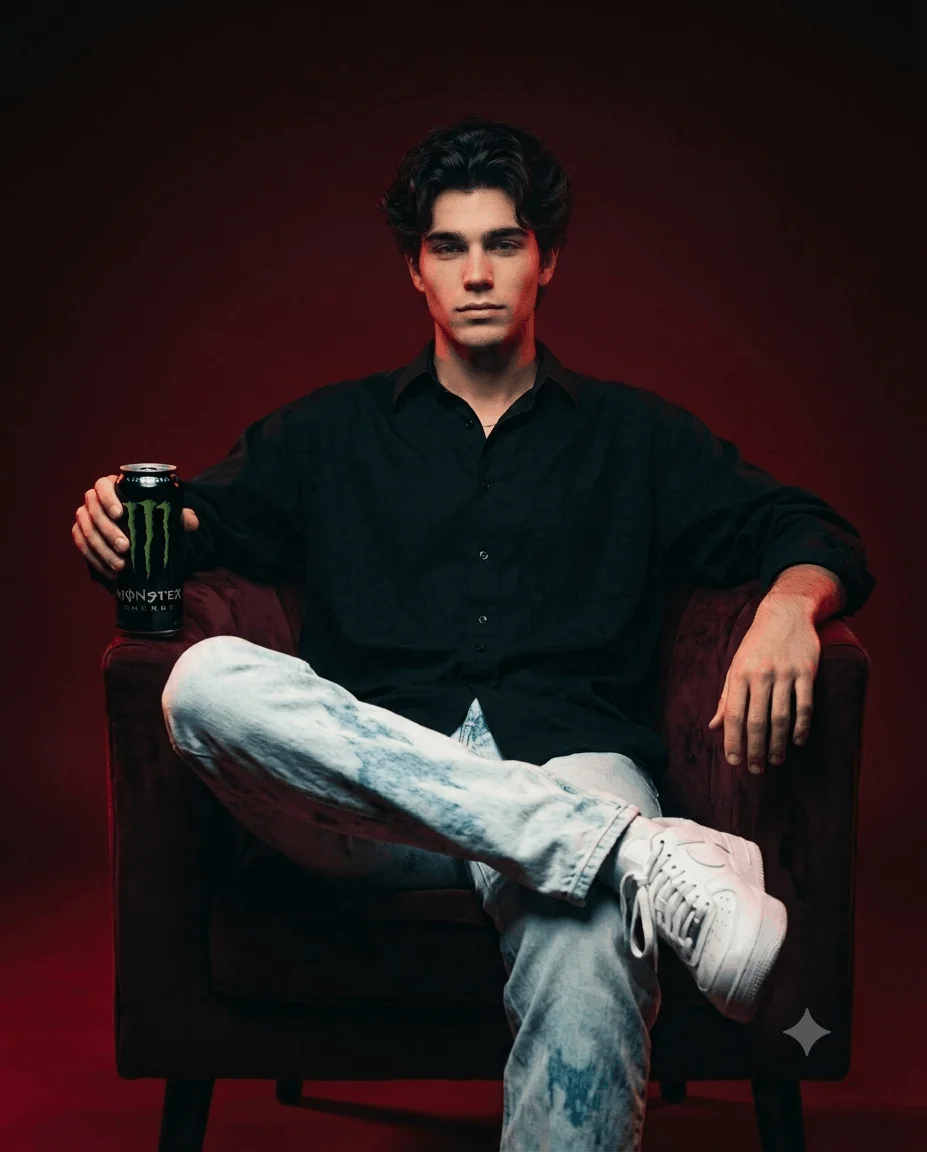
 Boys
Boys
HANDSOME YOUNG MAN CHATGPT & GEMINI PROMPT
CREATE A CINEMATIC BLACK-AND-WHITE PORTRAIT OF A HANDSOME YOUNG MAN CHATGPT & GEMINI PROMP...
Free AI photo prompts for boys. Copy, paste into Gemini or ChatGPT for trending Instagram looks, anime styles, and streetwear portraits.
5 prompts available
Boys
CREATE A CINEMATIC BLACK-AND-WHITE PORTRAIT OF A HANDSOME YOUNG MAN CHATGPT & GEMINI PROMP...
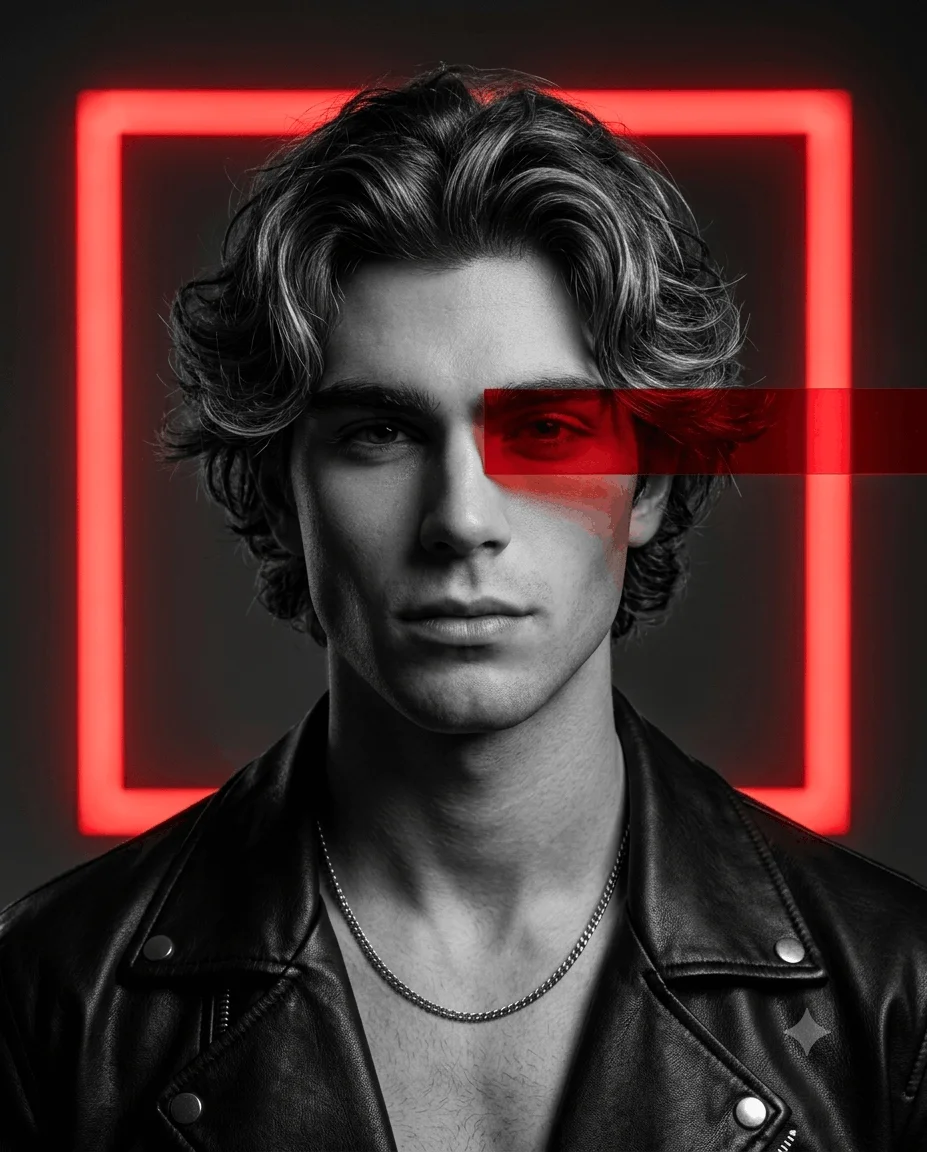 Boys
Boys
CREATE A CINEMATIC BLACK-AND-WHITE PORTRAIT PHOTO EDITING PROMPT OF A HANDSOME YOUNG MAN
 Boys
Boys
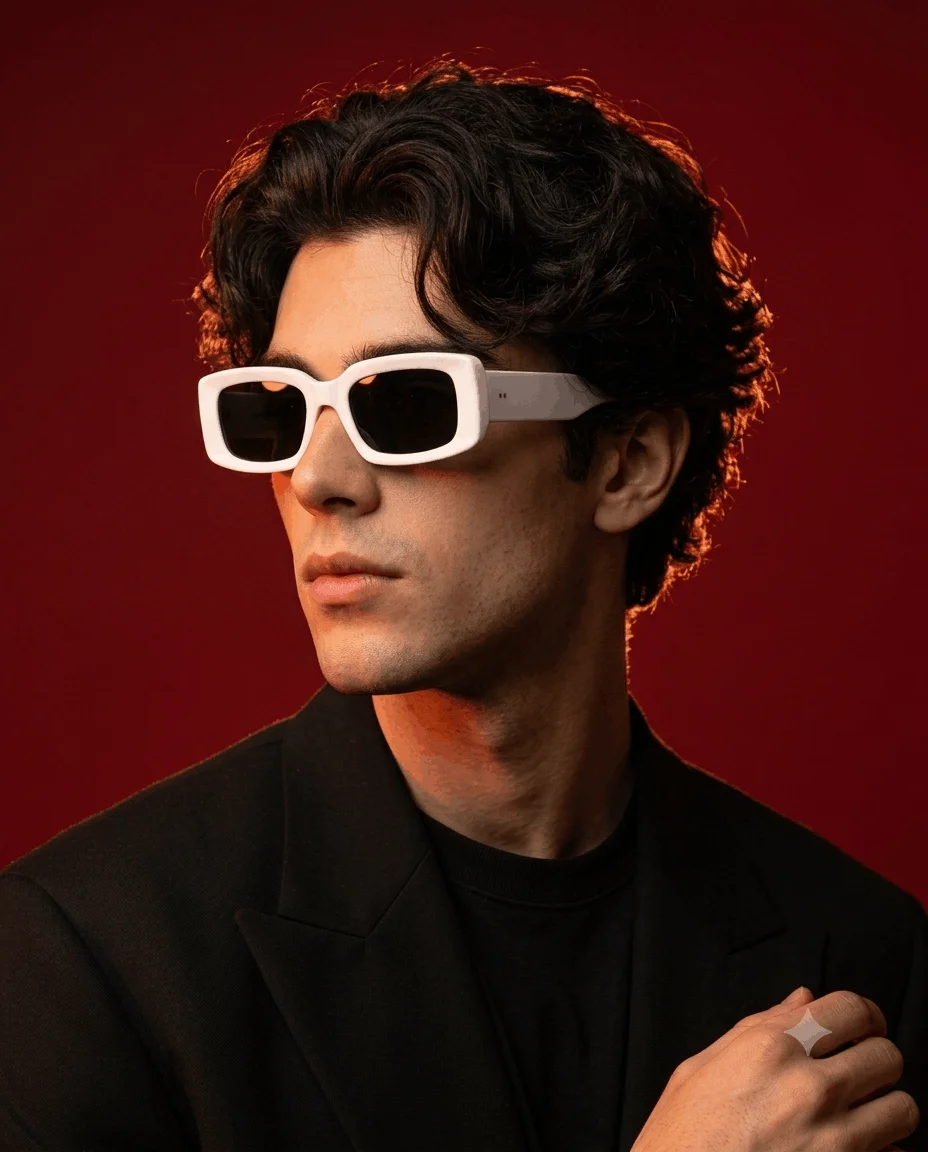
Ultra-realistic high-fashion studio portrait of a young man photo editing prompt
 Boys
Boys
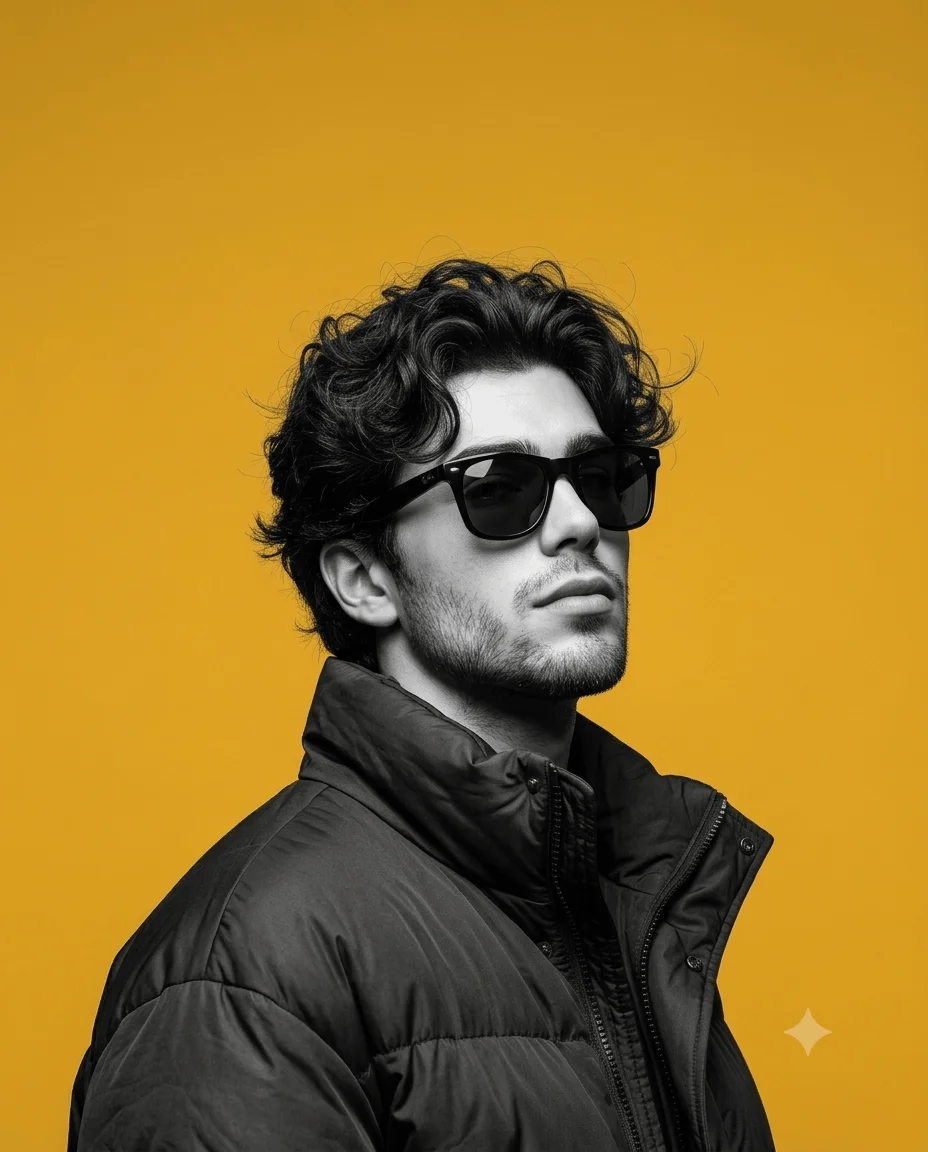
Ultra-realistic high-contrast black-and-white fashion portrait of a young man photo prompt
 Boys
Boys
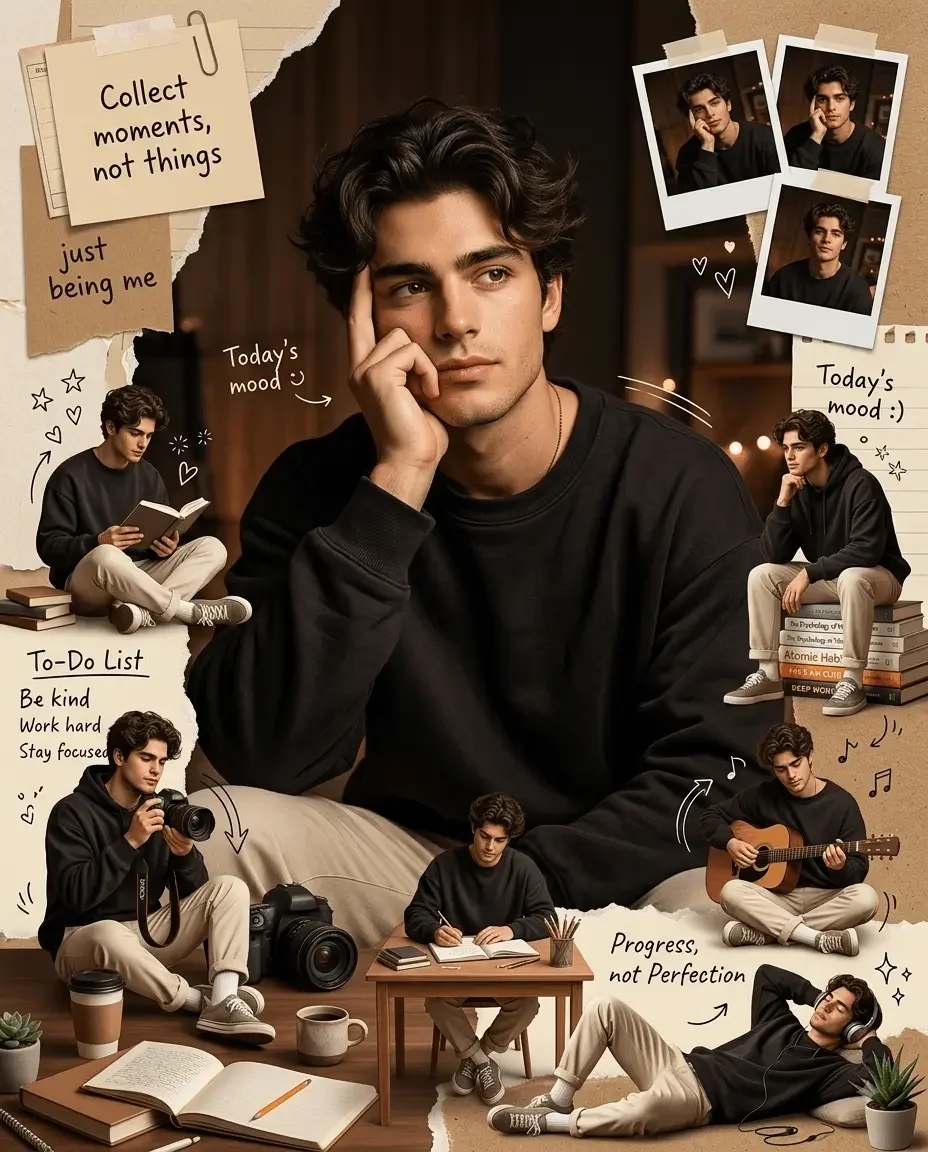
cozy aesthetic photo prompt collage scrapbook-style composition
Every prompt on this page is free to copy and paste. Open Gemini or ChatGPT, upload your photo, paste a prompt, and you get an edited photo back in seconds. No signup, no app, nothing to install.
These cover the trending Instagram looks, anime and cartoon styles, moody streetwear portraits, and cleaner everyday edits. Below is a short guide to picking one that suits your photo.
Worth starting here, because these are consistently among the most requested boys' prompts and they behave differently from every other style on this page.
Anime prompts do not adjust your photo. They redraw it, which means the AI has to decide what to keep and what to reinterpret. That is why results vary far more than a colour grade would.
A few things that make a real difference:
The styles doing the rounds for boys' photos tend to share a few traits: strong directional light, deeper contrast, muted or desaturated colour, and an urban or minimal background.
These work best on photos that already have some shadow to shape. A flat, evenly lit selfie pushed through a moody prompt tends to look artificial rather than dramatic, because the prompt is inventing shadows rather than deepening existing ones.
If your photo is flat, either pick a cleaner style or use a prompt that explicitly relights the scene rather than one that only grades colour.
The example image on each prompt card above shows what it produces, which beats reading the prompt text to work it out.
Free and unlimited. A free account lets you save prompts you want to reuse.
Yes, all of them. Copy and use as many times as you like, with no account and no limit.
Softer cel-shaded styles hold a likeness better than heavily stylised ones. If looking like yourself matters, start there. If the look matters more than the likeness, the bolder manga styles are more striking.
Both. Each takes an uploaded photo with the prompt. They handle stylised transformations quite differently, so with anime prompts especially, trying the same prompt in both is worth doing before deciding a prompt does not work.
Usually the source photo. Trending prompts were tuned on a photo with particular lighting, and yours differs. Matching the lighting conditions gets you closest. Some viral results also had extra editing after the AI step.
Yes, though keep it restrained for anything professional. Heavily stylised edits work against you where the point is looking like yourself.
AI image generation varies on every run. With anime and other redrawing styles the variation is larger, since the AI is interpreting rather than adjusting. Running it a few times and picking the best is normal.
For anime and cartoon prompts, name the specific style and ask it to preserve your hairstyle. For trending and moody looks, start with a photo that already has real shadows rather than a flat one.
Either way, add a line about keeping natural skin texture. It is the single change that most reliably stops a result from looking obviously AI edited.