
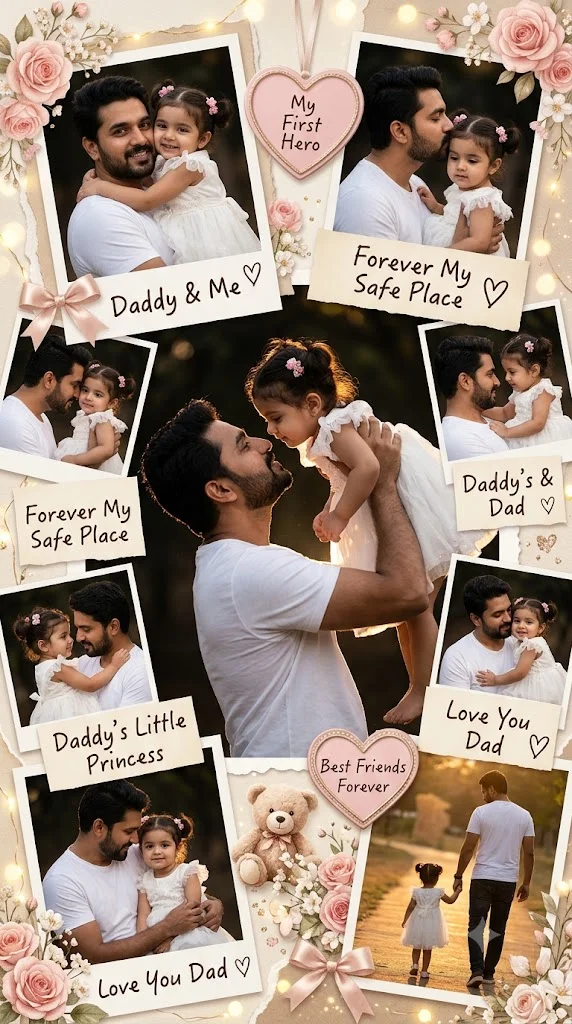
 Family
Father & Daughter Memory Scrapbook Collage Prompt
Father & Daughter Memory Scrapbook Collage Prompts for Gemini ai and chatgpt
Free family photo prompts for Gemini and ChatGPT. Edit group photos, festival pictures, and restore old family photos with every face preserved.
6 prompts available
Family
Father & Daughter Memory Scrapbook Collage Prompts for Gemini ai and chatgpt
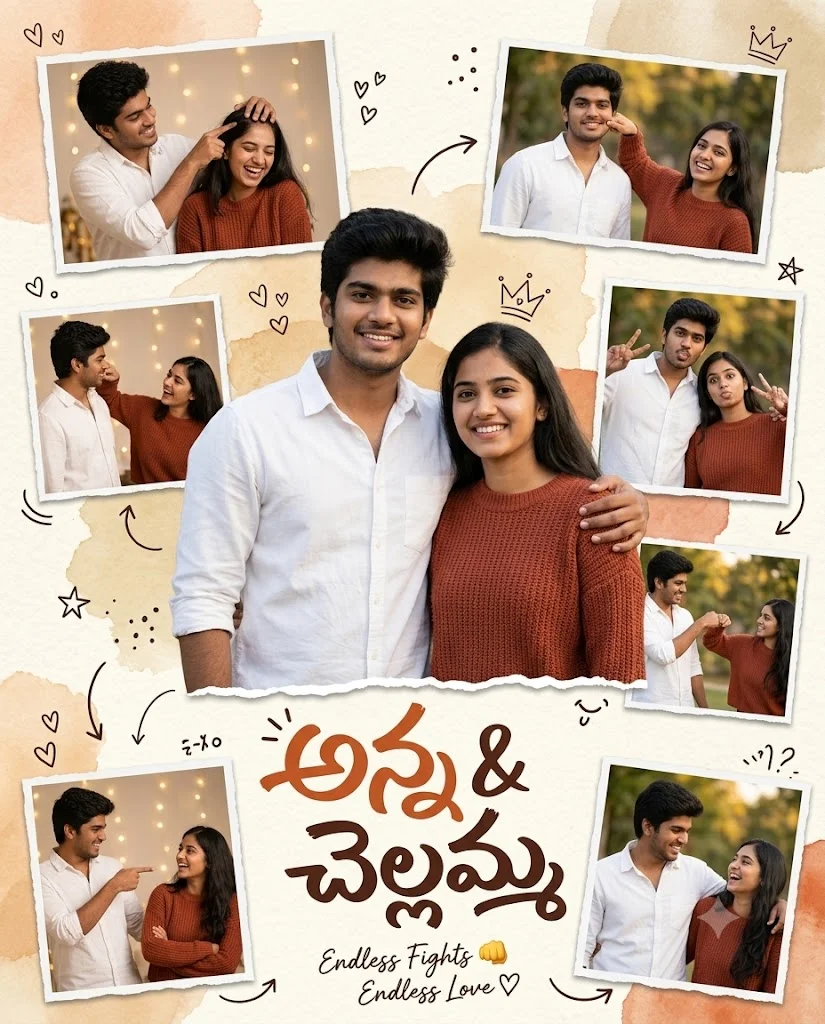 Family
young brother and sister prompt copy and paste your favorite ai tool to create a stunning ...
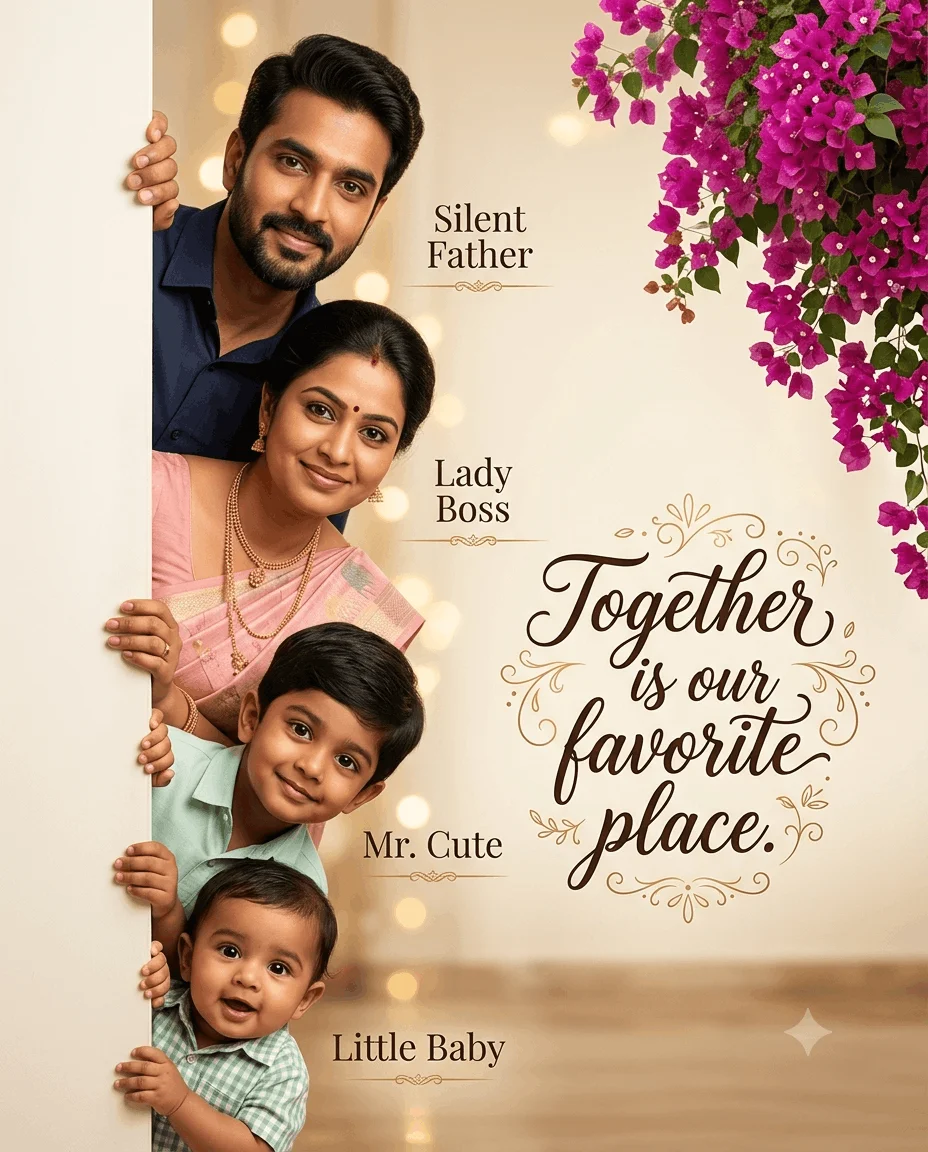 Family
ultra-realistic premium Indian family photo prompt for Gemini ai and chatgpt copy and past...
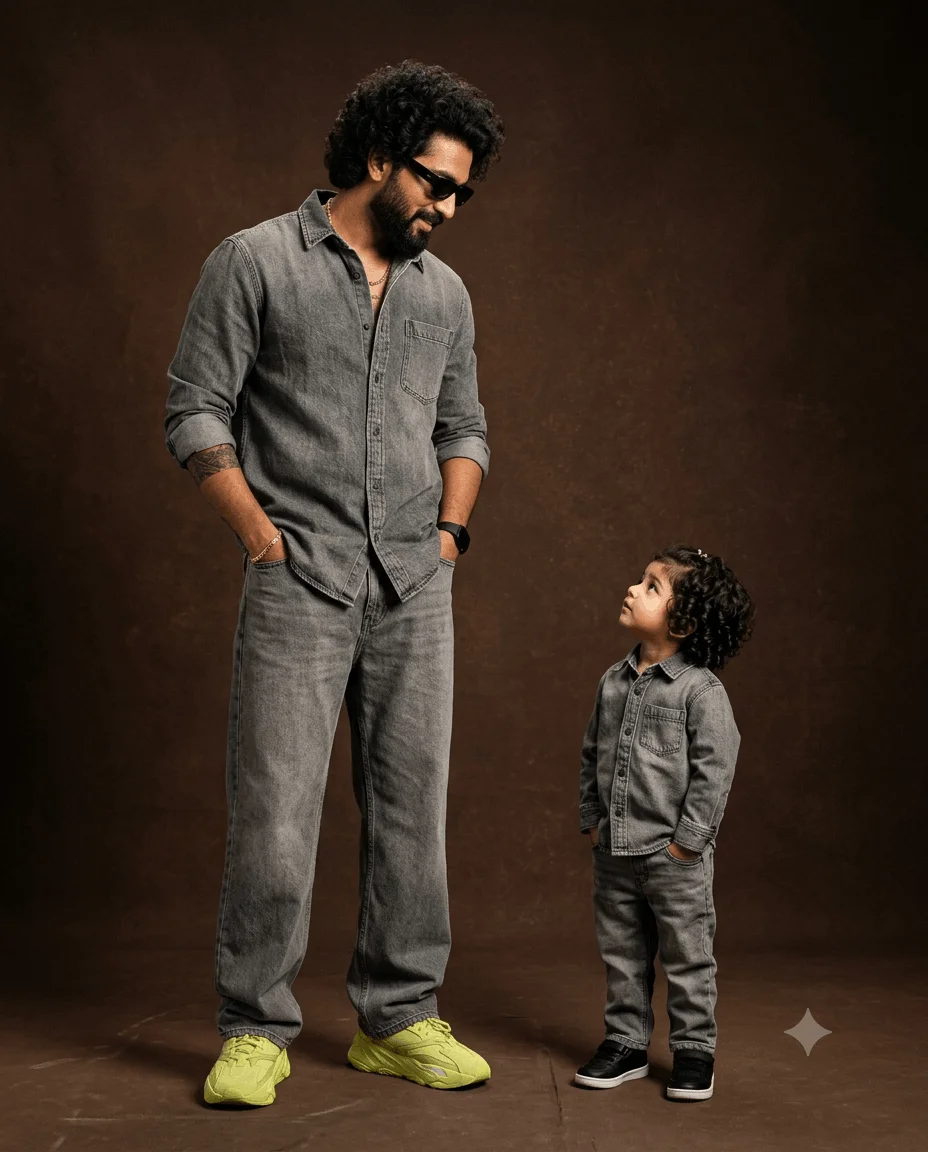 Family
Create an ultra-photorealistic luxury family fashion editorial photograph using our well c...
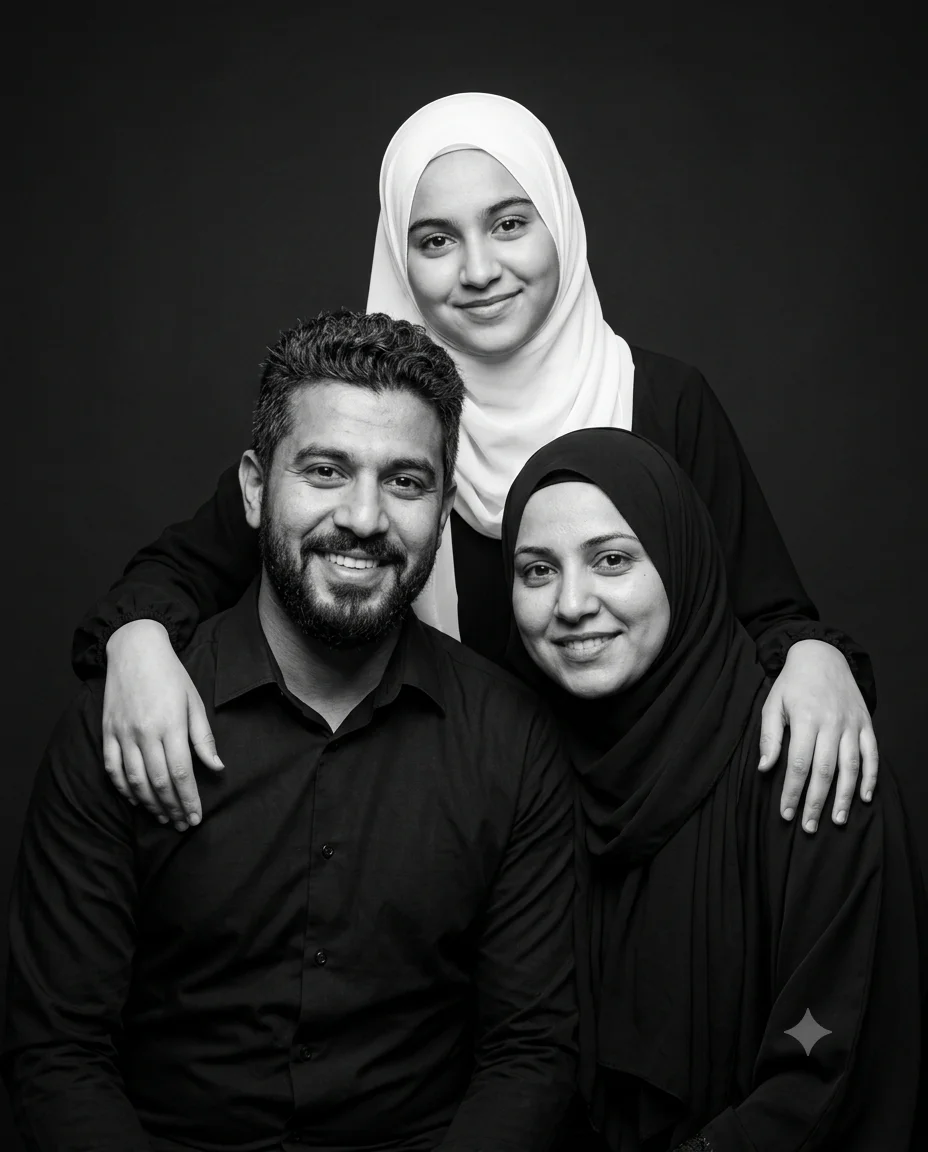 Family
Create a highly photorealistic black-and-white studio family portrait for an Instagram or ...
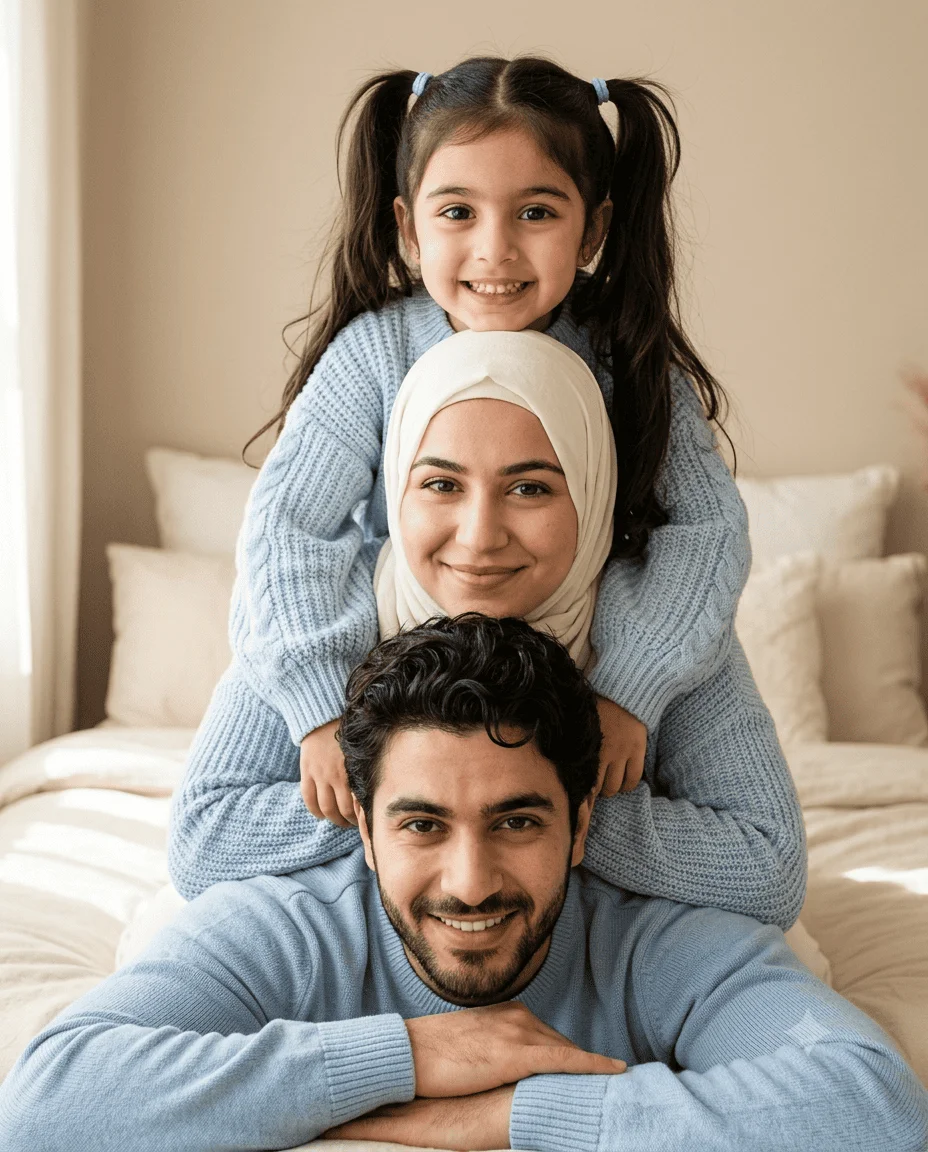 Family
Create a highly photorealistic cozy family portrait for an Instagram
Every family prompt on this page is free to copy and paste. Open Gemini or ChatGPT, upload your photo, paste a prompt, and you get an edited family photo back in seconds. No signup, no software.
These cover formal family portraits, casual candid shots, festival and occasion photos, multi-generation groups, and restored older pictures. Family photos are genuinely harder for AI tools to handle than single portraits, so most of what follows is about getting good results despite that.
It comes down to one thing: the number of faces.
AI image tools are built around the idea of a main subject. Give them one person and they focus their attention there. Give them six and they pick whichever face is largest, most central, or best lit, treat that as the subject, and handle the rest as background detail.
In practice that means one person comes out looking great while others get softened, subtly reshaped, or lose detail entirely. The photo looks acceptable until a family member spots that their face is not quite right.
This is not a flaw in any particular prompt. It is how these tools work, and knowing it is what lets you write around it.
Adding this to any prompt on this page substantially improves multi-face results:
"This photo contains multiple people. Preserve every person's facial features, face shape, and expression exactly as in the reference image. Treat each face as equally important and do not prioritise any one subject."
The last part matters most. Telling the AI explicitly not to pick a main subject counteracts its default behaviour, which is exactly what causes the problem.
For larger groups, naming the number helps too: "there are seven people in this photo" gives the AI something concrete to check its output against.
The example on each prompt card above shows what it produces, which saves reading through the prompt text.
Free to use as often as you like. A free account lets you save prompts, useful when working through a set of family photos.
Old photographs are one of the more rewarding uses for these prompts, and they need a different approach from editing a recent picture.
Focus the prompt on repair rather than style: correcting faded colour, improving clarity, and reducing damage. Ask for restyling and you risk the AI reinterpreting faces it cannot see clearly, which produces people who look almost but not quite like your relatives.
A useful addition for old photos: "restore and clarify without changing any facial features, since the people in this photo must remain recognisable." Being explicit about why matters here, and it produces more conservative results.
Very low resolution or heavily damaged photos have limits. The AI can only work with detail that exists in the original, and where it does not, it invents. For irreplaceable photos, keep the original file.
Yes, all of them. Copy and use as often as you want, with no account required.
There is no hard limit, but reliability drops as the count rises. Two or three faces usually work first time. Six or more often takes several attempts, and it is worth checking each face individually before settling on a result.
Both. Each takes an uploaded photo with the prompt text. They handle multiple faces differently, so if one struggles with a group photo, the other is genuinely worth trying with the same prompt.
Often yes, particularly for faded colour and general clarity. Heavy physical damage across a face is harder, since the AI has to invent what is missing rather than recover it. Always keep your original scan.
The AI has settled on someone else as the main subject. Add the explicit multiple-people instruction, and if it persists, mention that person's position in the frame: "including the person on the far left."
AI image generation varies on every run. With several faces this is more noticeable, since each one can vary independently. Running it a few times and picking the best result is normal practice.
Family photos need one thing that single portraits do not: an explicit instruction that there are multiple people and no one face should be prioritised. Add that to any prompt above and most problems disappear.
Check every face before you settle, not just the one in the middle. With group photos, running the prompt three times and choosing the best result is usually faster than trying to perfect the wording.