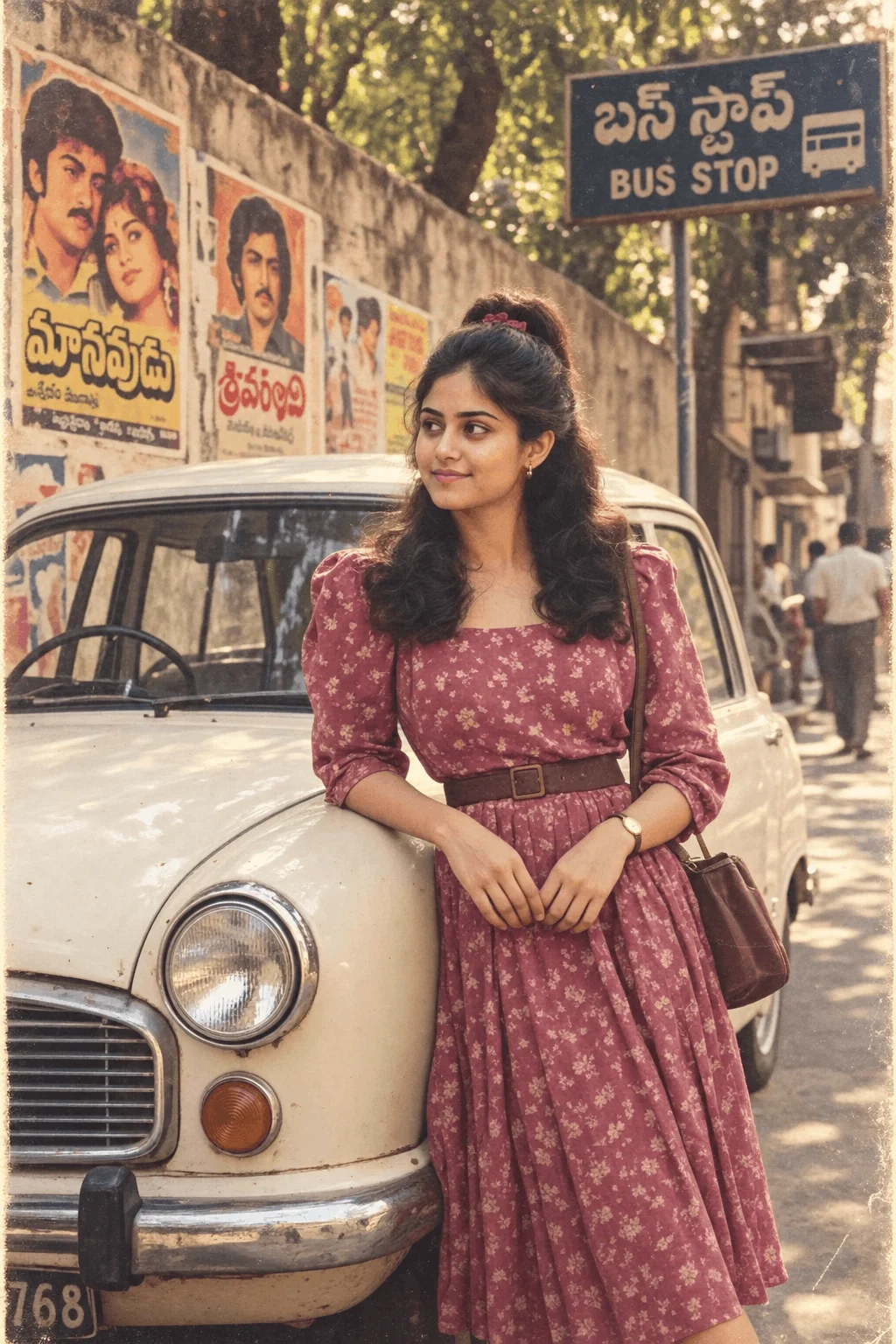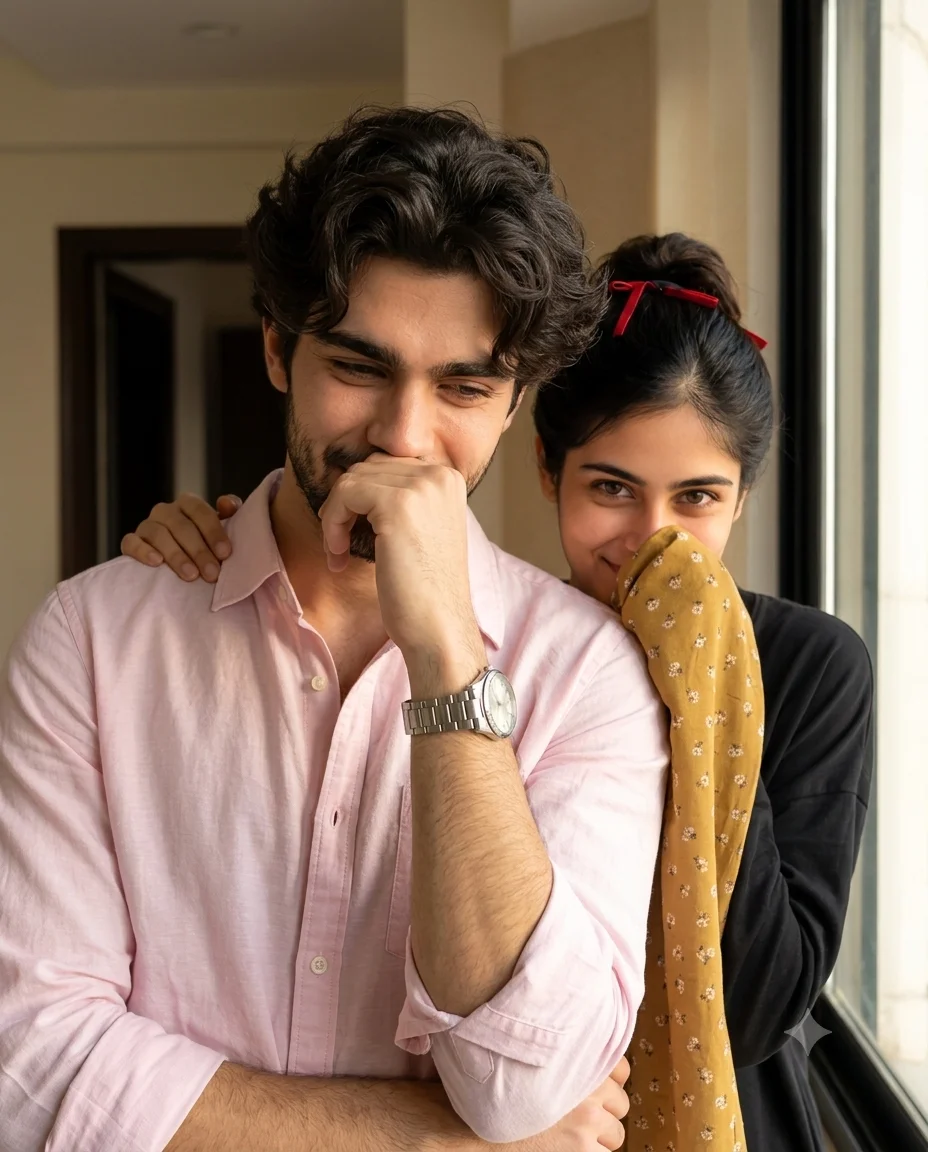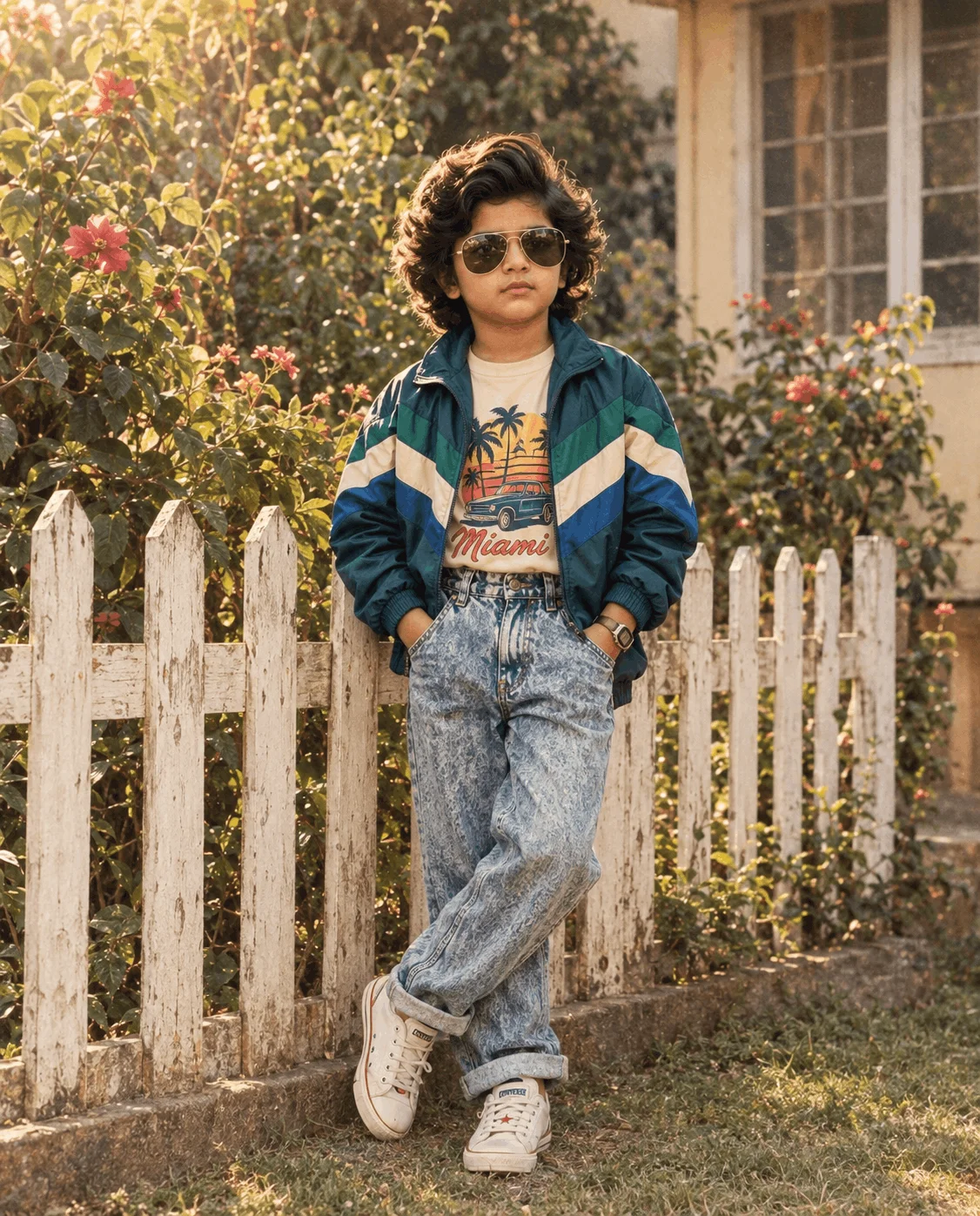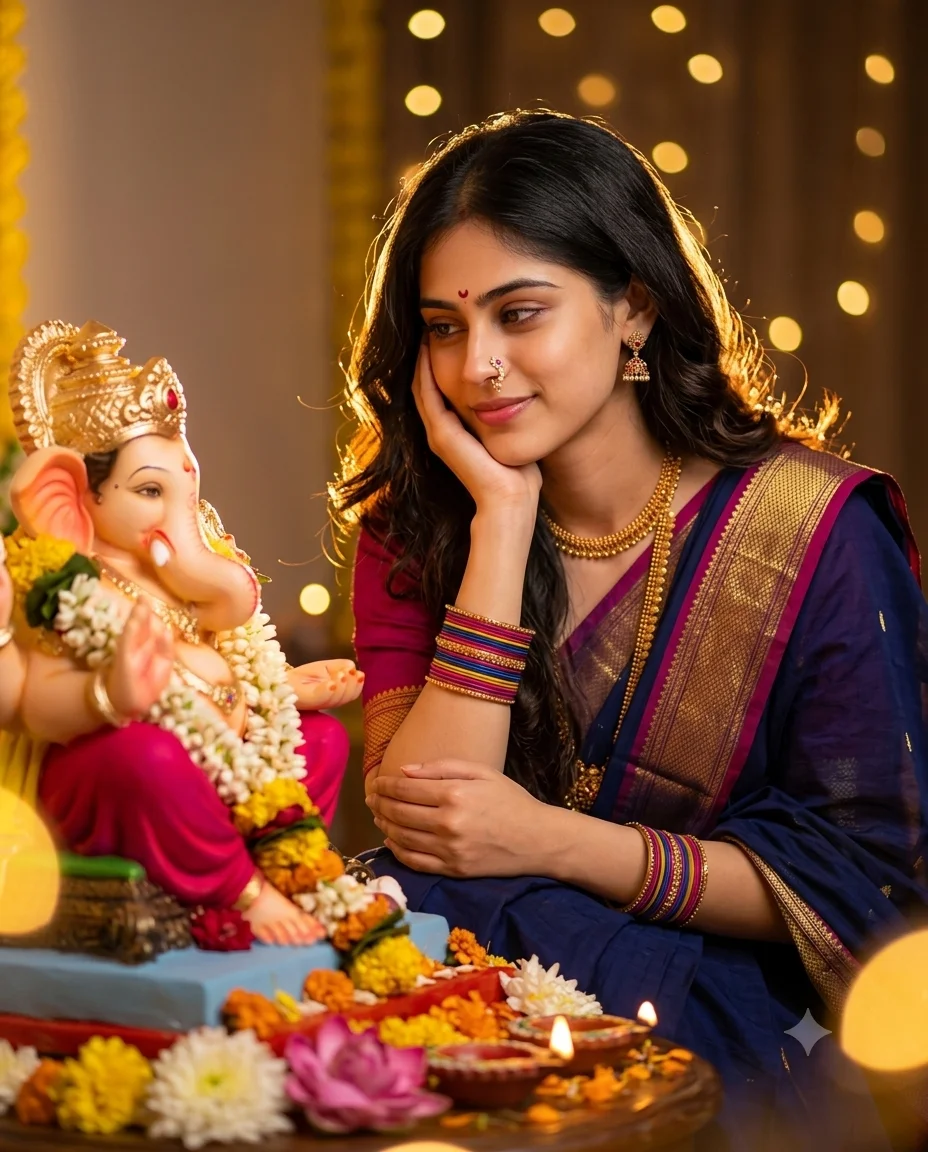
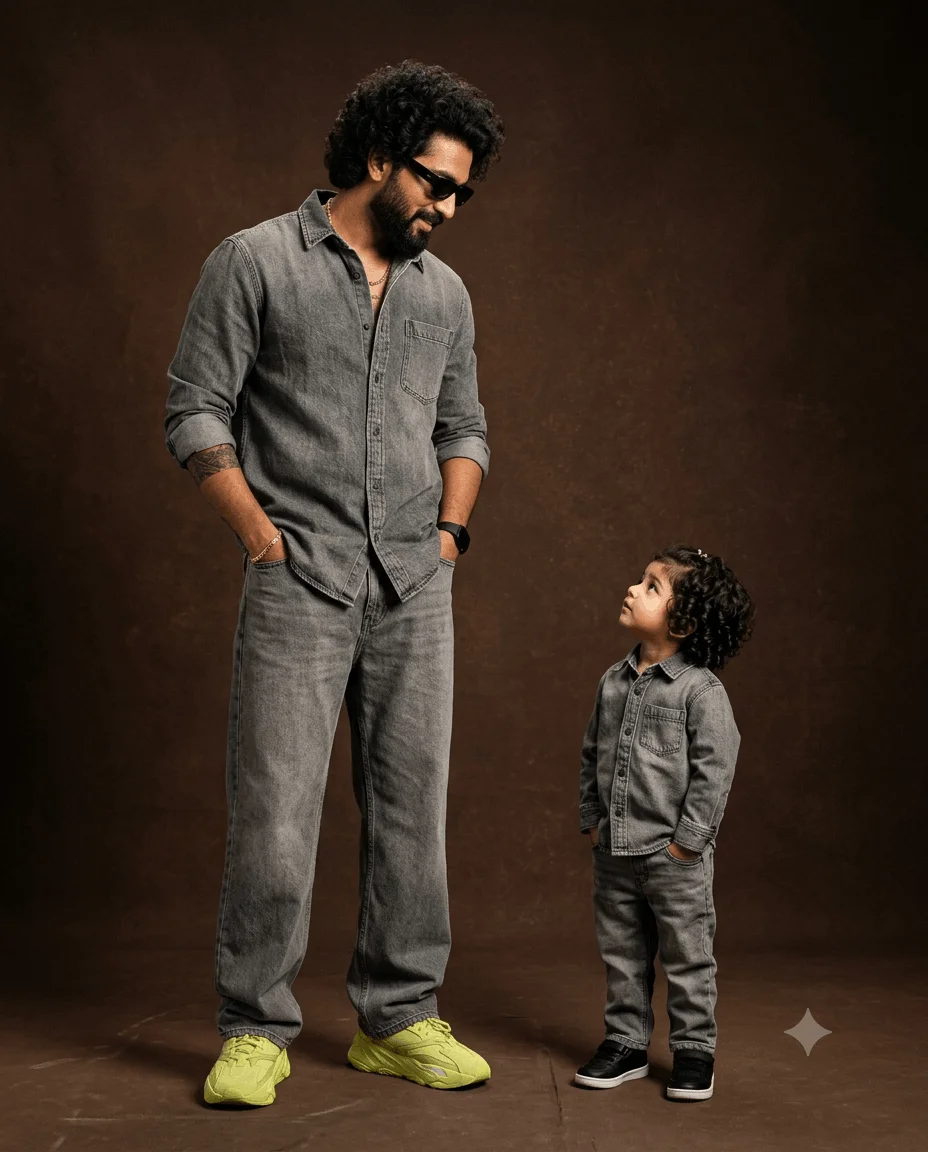
Create an ultra-photorealistic luxury family fashion editorial photograph for an Instagram slide, 1080×1350 px, 4:5 portrait composition.
Recreate the reference image as closely as possible while preserving the exact visual concept, pose relationship, coordinated clothing, proportions, lighting, colors, camera perspective, and studio atmosphere.
A tall adult India man stands on the LEFT side of the frame beside a small young child standing on the RIGHT side. The adult is dramatically taller than the child, creating a strong visual father-and-child scale relationship. The adult has a solid masculine build, thick highly voluminous dark curly hair, a full neatly groomed beard and mustache, warm natural skin, and black rectangular sunglasses. His head is turned downward toward the child with a relaxed, confident expression.
The child has short, thick dark curly hair with a small subtle hair accessory near the top of the head, natural warm skin, rounded youthful facial features, and an innocent curious expression. The child looks upward toward the adult. Preserve the natural age-appropriate proportions of the child and do not make the child look like a miniature adult.
Both subjects wear coordinated matching faded charcoal-gray denim outfits. The adult wears a textured gray denim long-sleeve button-up shirt with pointed collar, visible front buttons, chest pocket, rolled sleeves, relaxed fit and subtle washed denim pattern. He wears matching wide-leg gray denim trousers with realistic seams, folds, stitching and faded texture. The child wears a matching gray denim button-up shirt with collar, front buttons, chest pocket, rolled sleeves and matching gray denim trousers with the same washed charcoal-gray denim aesthetic.
The adult wears black rectangular sunglasses, a thin gold chain necklace, a gold bracelet on the wrist, a black wristwatch, and has visible tattoo artwork on one forearm. Keep these accessories subtle and realistic.
The adult wears oversized chunky bright yellow-green/lime sneakers with thick sculpted soles and matching laces. Make the sneakers visually prominent at the bottom-left of the composition. The child wears black low-top sneakers with clean white midsoles, positioned naturally at the bottom-right.
POSE AND INTERACTION:
The adult stands upright on the left with a relaxed fashion-editorial posture, both hands inserted naturally into his trouser pockets. His torso is subtly angled toward the child, his shoulders relaxed, and his head lowered and turned toward the child. The child stands upright on the right with both hands inside the trouser pockets, shoulders relaxed, head tilted upward toward the adult, clearly looking at him. Their opposing gaze directions create a natural emotional connection between the two subjects.
Keep the adult substantially taller than the child. Preserve realistic anatomy, natural body proportions, correct hand placement inside pockets, realistic leg positions and natural weight distribution.
BACKGROUND:
Place them in a minimalist professional studio with a warm dark chocolate-brown textured backdrop and matching brown floor. The backdrop should have subtle cloudy/mottled tonal texture rather than a completely flat digital background. No furniture, no distracting objects, no text, no scenery. The floor should have subtle realistic texture and soft shadows beneath both subjects.
LIGHTING:
Use soft professional studio lighting with a warm directional key light from the upper-front/side. Illuminate the faces, curly hair, denim texture, accessories and shoes with soft controlled highlights. Maintain gentle shadows under the clothing and around the floor. Use warm brown ambient fill, realistic skin tones, moderate cinematic contrast and smooth tonal transitions. The background should remain darker than the subjects while retaining its subtle texture.
CAMERA:
Professional full-frame fashion photography, camera approximately at the adult's torso/chest height, mostly straight-on perspective, natural proportions, approximately 50–70mm full-frame equivalent lens, minimal wide-angle distortion, realistic perspective, moderate depth of field, sharp detailed subjects, subtle background softness, high dynamic range, realistic exposure.
COMPOSITION:
Create a vertical 4:5 Instagram carousel composition at 1080×1350 px. Keep the adult positioned primarily on the left and the child on the right. Preserve substantial negative space around the upper-right/background area. Keep both subjects fully visible from head to shoes as much as possible. Do not crop the adult's head, hands, legs or sneakers. Do not crop the child's head or shoes. Maintain the strong height contrast between them. The adult's bright yellow-green sneakers should create the strongest color accent near the lower-left, while the child's black shoes anchor the lower-right.
COLOR GRADING:
Warm cinematic brown and charcoal-gray palette, muted sophisticated tones, natural skin tones, subtle gold accents, bright yellow-green sneakers as the primary accent color. Avoid excessive saturation. Preserve realistic gray denim, deep brown background and rich tonal separation.
TEXTURE AND DETAIL:
Highly realistic individual curly hair strands, beard hairs, natural skin pores and subtle skin imperfections, detailed washed denim fibers, stitching, seams, wrinkles and folds, realistic sunglasses reflections, metallic gold jewelry, tattoo texture, realistic sneaker materials, rubber soles, laces, studio floor texture and soft contact shadows.
STYLE:
Ultra-photorealistic professional fashion campaign photography, luxury father-and-child editorial, premium denim advertisement aesthetic, cinematic studio portrait, realistic anatomy, natural expressions, sophisticated warm color grading, extremely detailed materials, high-end commercial photography, sharp facial and clothing detail, realistic lighting.
IMPORTANT:
Prioritize the exact reference composition and visual relationship: tall adult on the left looking downward toward the child, small child on the right looking upward toward the adult, both wearing coordinated gray denim outfits, adult wearing black sunglasses and bright yellow-green chunky sneakers, child wearing black sneakers, hands inside pockets, warm dark brown studio background, full-body fashion pose, realistic height difference, soft cinematic studio lighting.
OUTPUT:
Instagram carousel slide, 4:5 portrait, 1080×1350 px, ultra-photorealistic, premium editorial photography, highly detailed, natural anatomy, realistic textures.
Negative:
different pose, incorrect height difference, adult and child same height, child with adult proportions, child looking at camera, adult looking at camera, incorrect gaze direction, hands outside pockets, malformed hands, extra fingers, missing fingers, fused fingers, distorted arms, distorted legs, incorrect shoes, wrong sneaker colors, missing sunglasses, missing necklace, missing watch, missing bracelet, missing tattoo, mismatched clothing, different denim colors, generic clothing, cartoon, illustration, CGI, plastic skin, artificial face, unrealistic hair, straight hair, excessive beard distortion, oversized head, tiny head, bad anatomy, warped body, duplicated limbs, duplicated people, extra people, cropped feet, cropped shoes, cropped head, excessive wide-angle distortion, fisheye, harsh flash, flat lighting, overexposed skin, oversaturated colors, neon background, bright background, cluttered studio, text, watermark, logo, low resolution, blurry face, excessive bokeh, unrealistic shadows.
 Boys
Boys
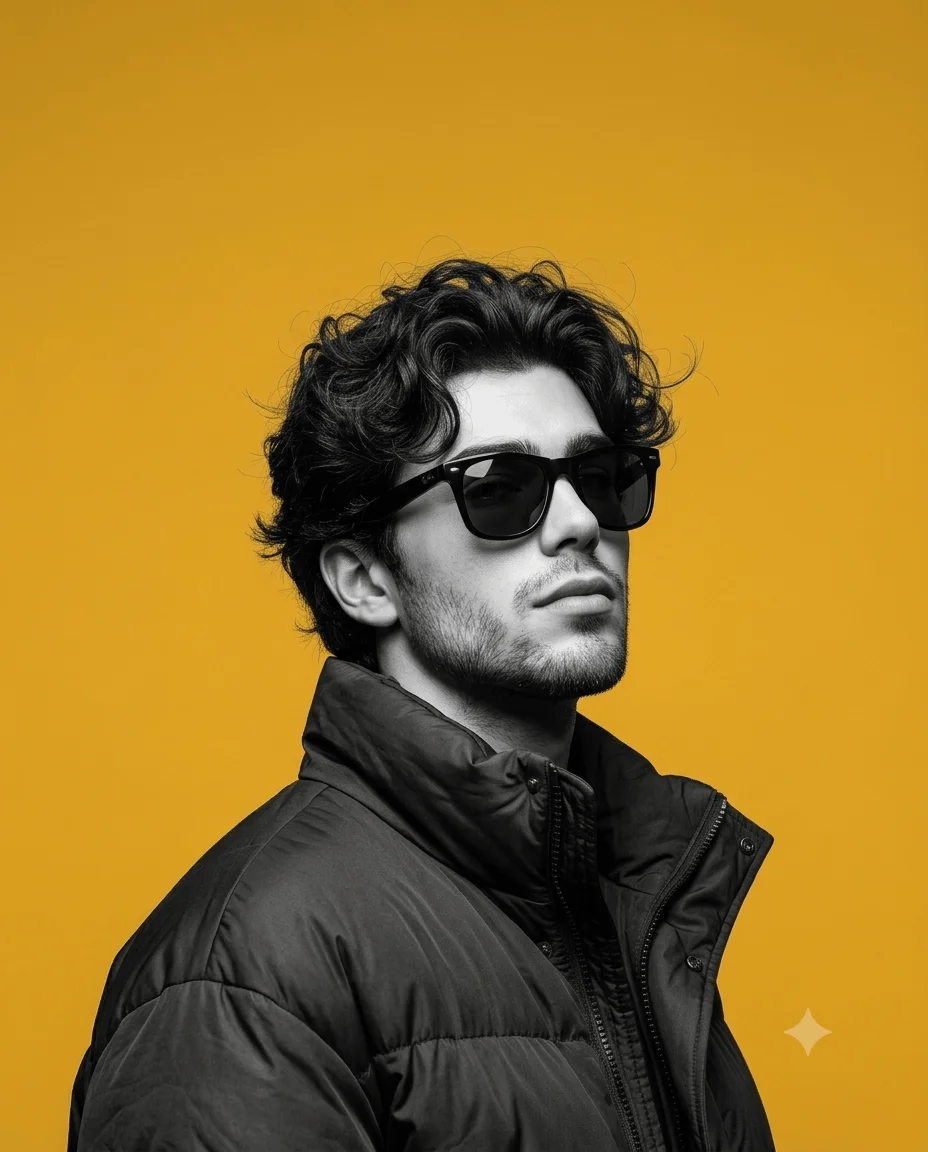
High-Contrast Black-And-White Fashion Portrait Prompt
Ultra-realistic high-contrast black-and-white fashion portrait of a young man photo prompt