
 Devotional
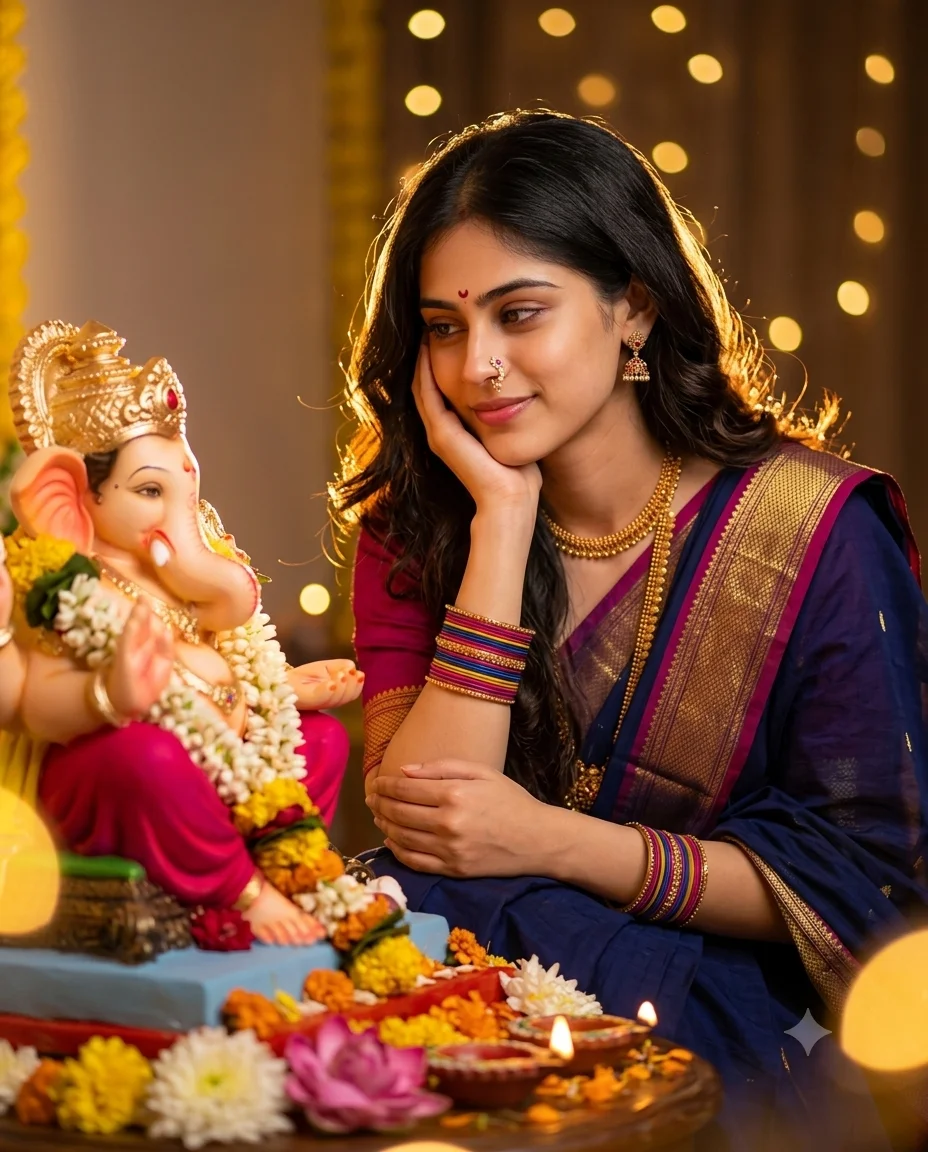
Cinematic Indian Devotional Portrait Prompt
cinematic Indian devotional portrait photo prompts easy to copy and paste to create a stun...
Free devotional photo prompts for Gemini and ChatGPT. Fix temple lighting, keep ornamentation sharp, and restore old pooja photos. Copy and paste.
1 prompt available
Every prompt on this page is free to copy and paste. Open Gemini or ChatGPT, upload your photo, paste a prompt, and you get an edited image back in seconds. No signup, no software needed.
These cover temple and shrine photos, festival and pooja pictures, devotional portraits, and spiritual backgrounds. Devotional photos have some specific technical challenges, and most of what follows is about handling them well.
Three things make these harder to edit than an ordinary portrait, and knowing them changes which prompt you should pick.
The lighting is almost always mixed. Oil lamps, camphor flames, coloured electric lights, and daylight through a doorway all in one frame. This produces strong colour casts that a simple filter cannot correct. Prompts that relight the scene work better here than ones that only grade colour.
The detail matters more than usual. Deity ornamentation, garland flowers, brass and silver surfaces, carved stone. These carry the meaning of the photo, and a prompt that softens or simplifies them loses the point of the image. Look for prompts that explicitly preserve fine detail.
Colour accuracy is not optional. The specific reds, yellows, and golds in devotional settings are recognisable, and shifting them makes the image feel wrong even to someone who cannot say why. Prompts that push a strong colour grade tend to work poorly here.
The example image on each prompt card above shows what it produces, which is quicker than working it out from the prompt text.
All free, no account required, no limit on use.
Worth saying plainly, since it saves people trouble.
Edits that improve a photo tend to be well received: better lighting, clearer detail, corrected colour, repaired damage on an old picture. Edits that alter a deity's appearance, place a person into a scene alongside a deity, or heavily restyle a religious image often are not, particularly when shared publicly.
This is not a rule anyone is enforcing, and what feels appropriate varies between families and communities. But if you are editing a photo to share with relatives or post publicly, restraint is usually the safer choice, and it generally produces a better image anyway.
Many families have old photographs of temple visits, ceremonies, or framed deity pictures that have faded over decades. These restore well, and it is one of the more worthwhile uses for these prompts.
Keep the prompt focused on repair rather than style: correcting faded colour, improving clarity, reducing scratches and damage. Ask for restyling and the AI may reinterpret details it cannot clearly see, which on a devotional image is more likely to produce something inaccurate than something pleasing.
A useful addition: "restore and clarify this photograph without altering any features or details, as the original must remain accurate."
Always keep your original scan. Heavily damaged areas get invented rather than recovered, and you may want the unedited version later.
Yes, every one. Copy and use them as often as you like, with no account and no limit.
Both. Each accepts an uploaded photo with the prompt text. Results differ slightly between them, so trying the same prompt in the other is worth doing before changing anything.
Usually yes. Photograph or scan it as evenly as you can, avoiding glare from the glass, then use a restoration-focused prompt. Glare is the most common problem, and it is easier to avoid when taking the photo than to fix afterwards.
It can, unless you prevent it. Add "do not alter the appearance, features, or ornamentation of the deity in any way" for a conservative result.
The prompt corrected the colour cast too aggressively. Add "keep the warm atmospheric glow" alongside your colour correction instruction, so it removes the unnatural cast without stripping the mood.
AI image generation varies on every run. If a result is close, running it again is usually faster than rewriting the prompt.
Devotional photos are mostly a lighting and detail problem. Pick a prompt that relights and clarifies rather than one that heavily restyles, and add an instruction to preserve ornamentation and colour accuracy.
For old family photographs, keep the prompt focused on restoration, keep your original file, and check the fine detail before settling on a result.