
 Girls
Girls
A Beautiful Young Indian Girl Photo Prompt Copy Paste
A Beautiful Young Indian Girl Photo Prompt Copy Paste and create stunning images
Free AI photo prompts for girls. Copy, paste into Gemini or ChatGPT, and get trending aesthetic, cinematic, and traditional portrait edits.
7 prompts available
Girls
A Beautiful Young Indian Girl Photo Prompt Copy Paste and create stunning images
 Girls
Girls
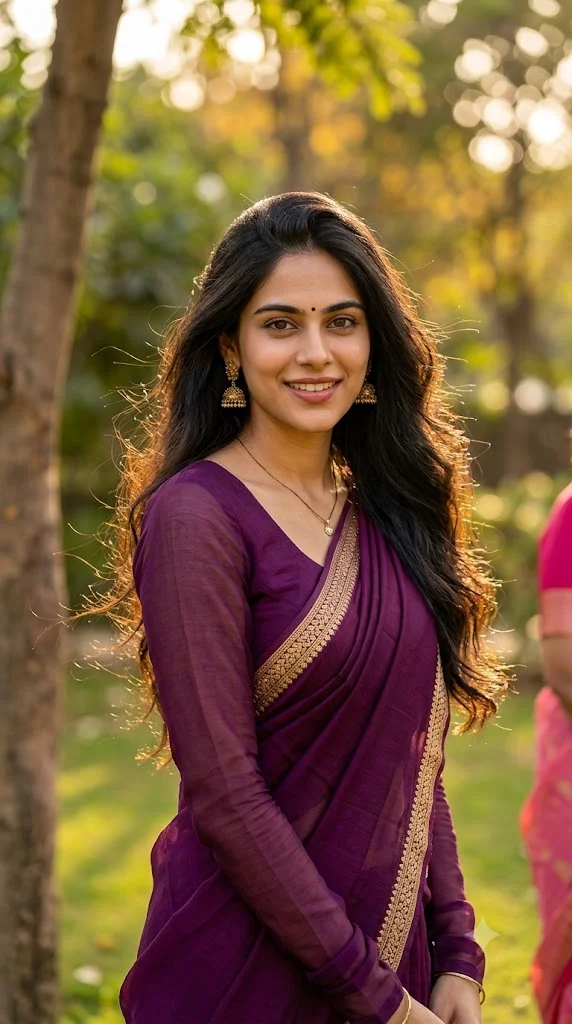
Create a highly photorealistic vertical portrait girl ai images using this gemini ai photo...
 Girls
Girls
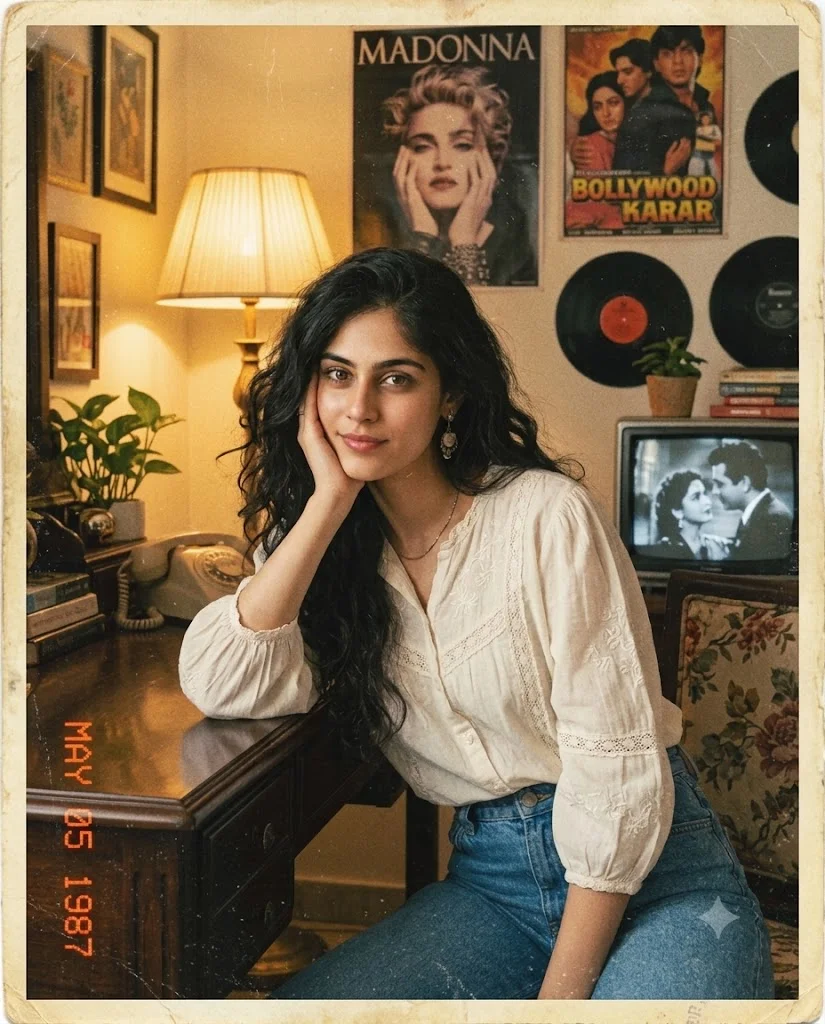
Create a highly photorealistic nostalgic vintage girl portrait images using this prompt
 Girls
Girls
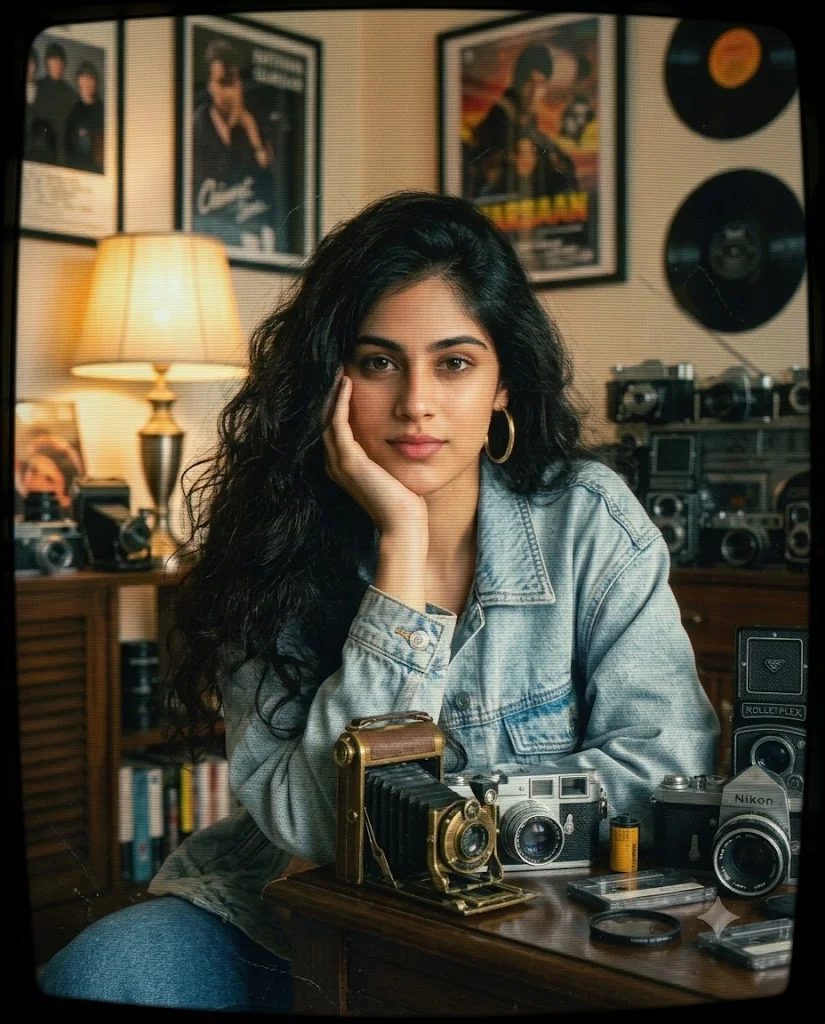
South Asian Woman Late-1980s/early-1990s Prompts
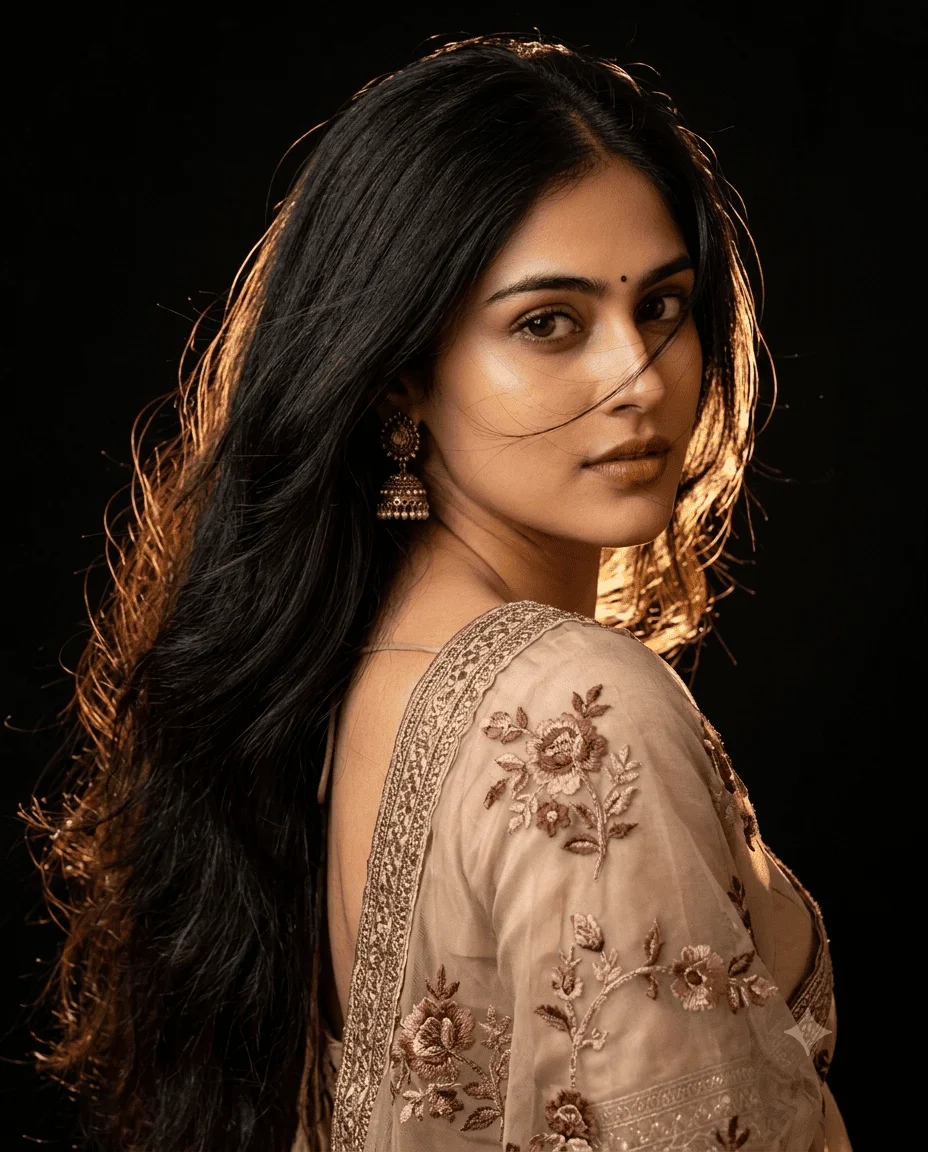 Girls
Girls
Gemini and chatgpt cinematic Indian fashion portrait Prompt copy paste the prompt in Gemi...
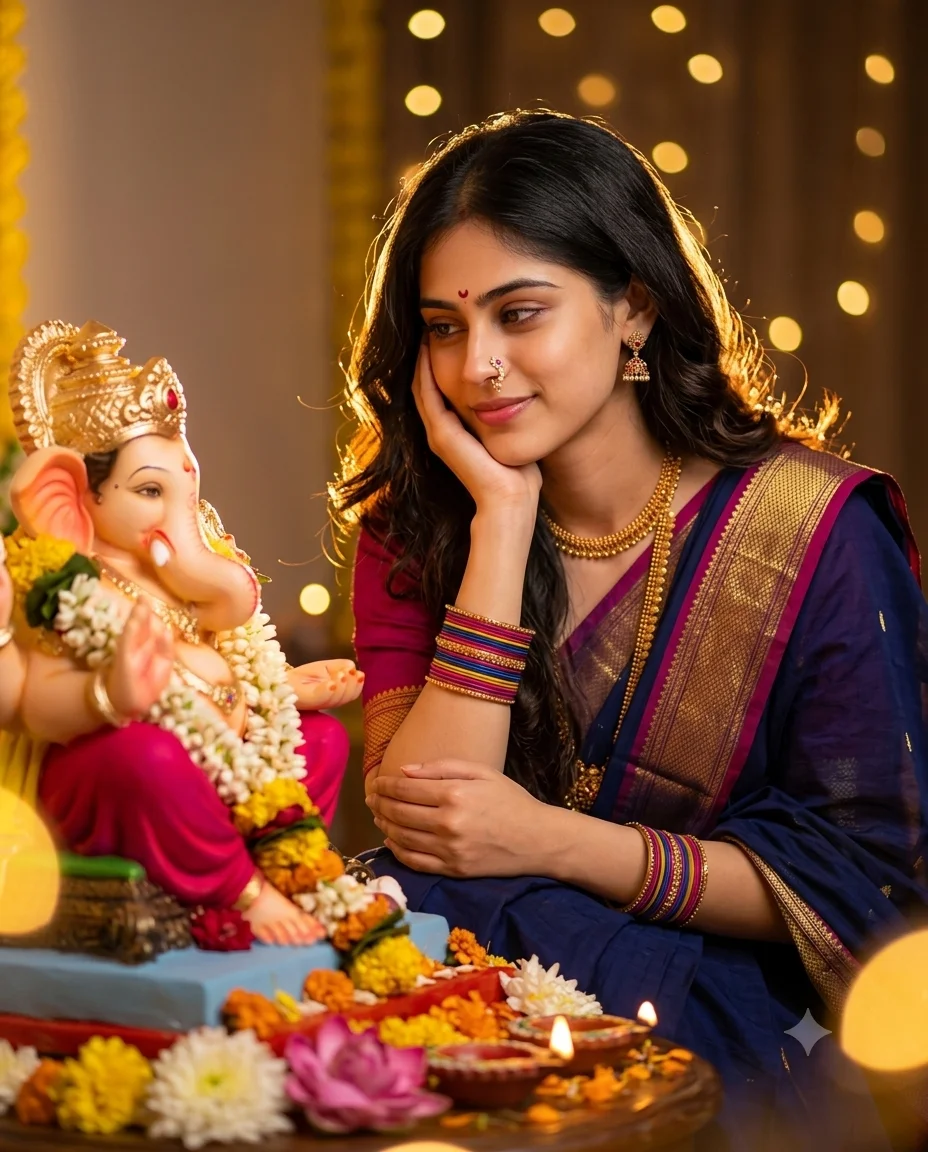 Girls
Girls
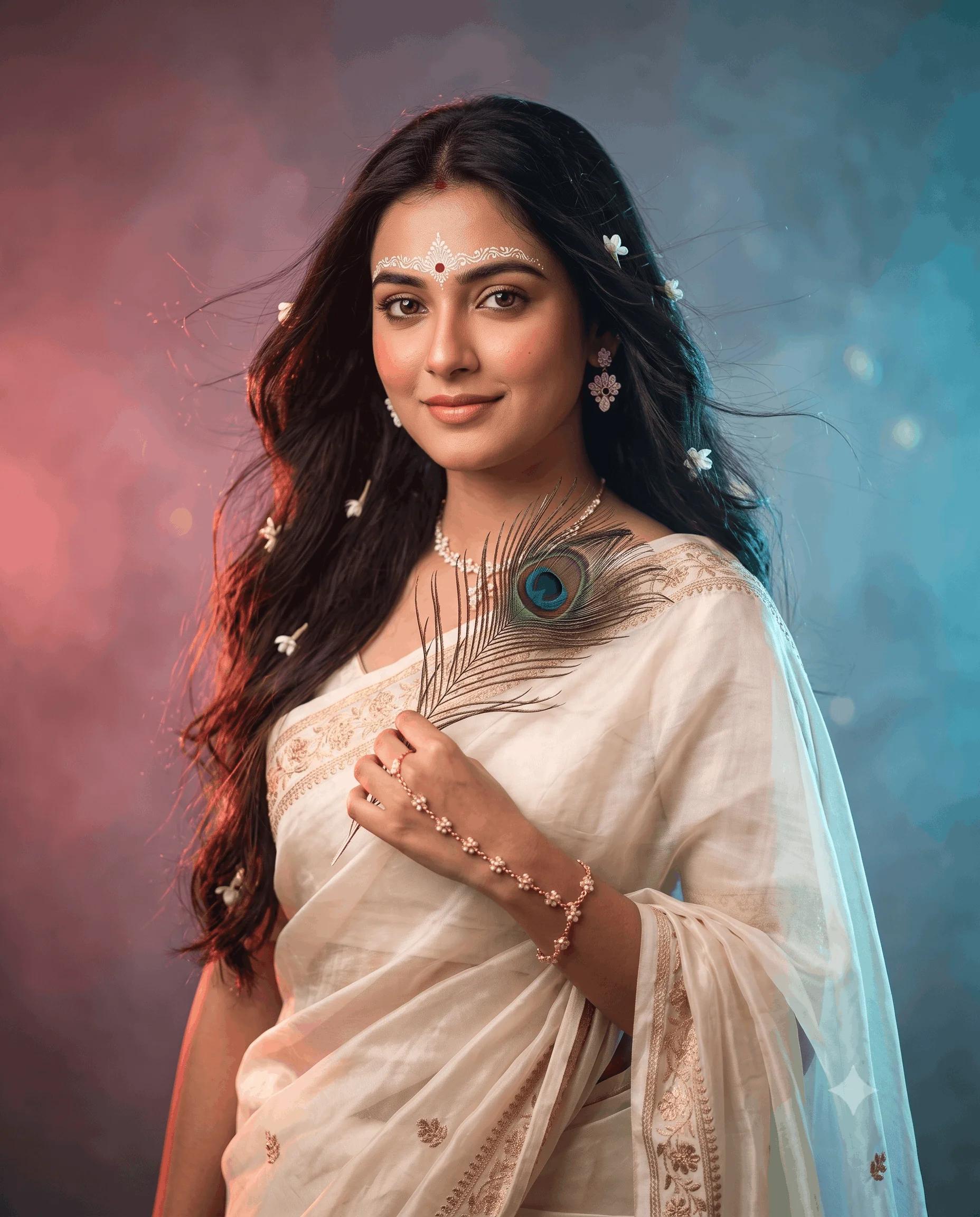
cinematic Indian devotional portrait photo prompts easy to copy and paste to create a stun...
 Girls
Girls
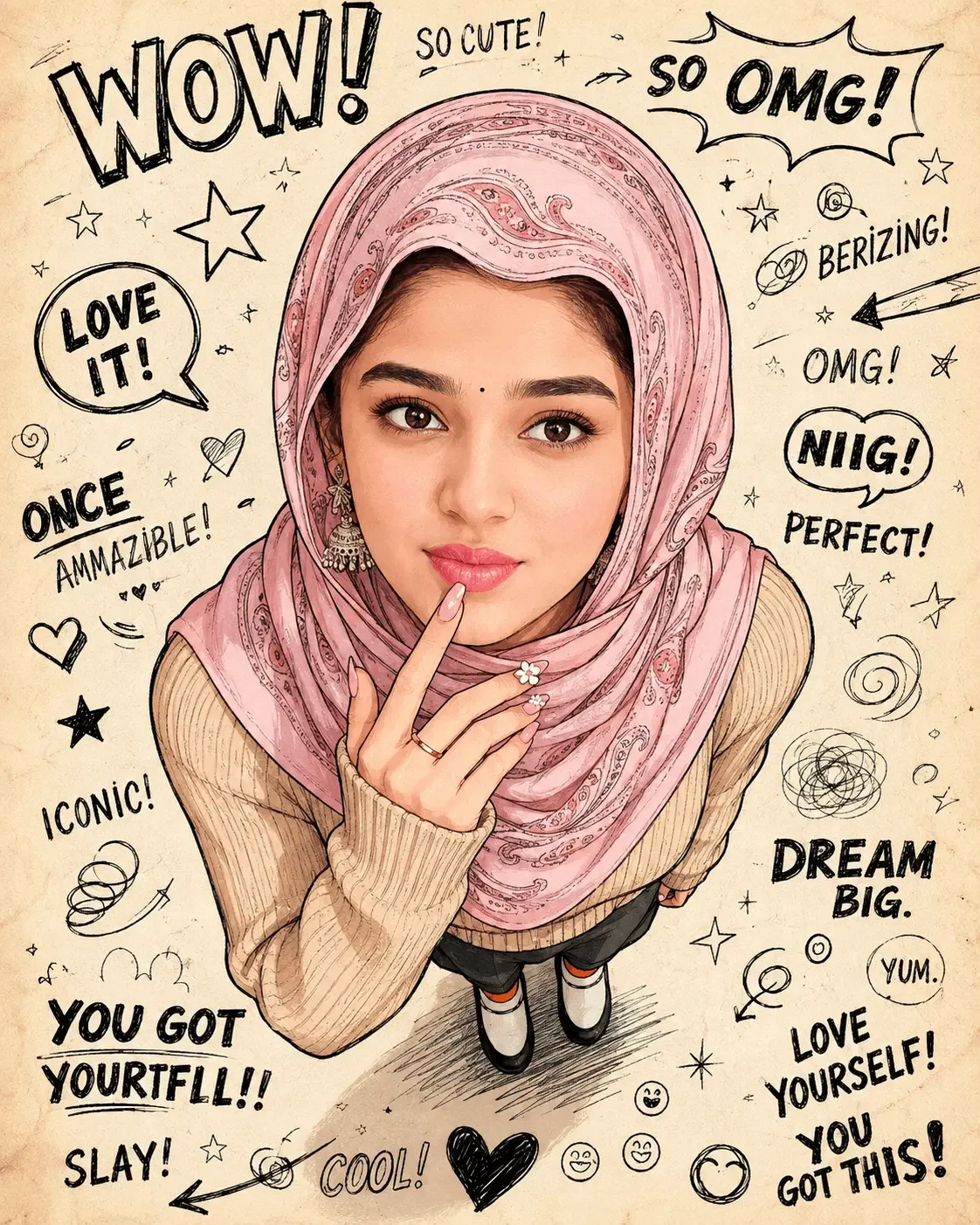
cute illustrated fashion portrait prompt of a young woman wearing a beautiful pink hijab
Every prompt on this page is free to copy and paste. Open Gemini or ChatGPT, upload your photo, paste a prompt, and you get an edited portrait back in seconds. No signup, no editing app, nothing to learn first.
These cover the styles filling Instagram right now, along with softer everyday looks: aesthetic and dreamy edits, cinematic portraits, traditional and festive styles, and clean natural retouching.
Most girls' portrait prompts fall into a handful of recognisable looks. Knowing which is which makes picking one much faster.
Each prompt card above shows an example result. That tells you what a style actually looks like faster than any description can.
All free, unlimited, no account needed. A free account just lets you save the prompts you want to reuse.
This is what separates a good result from a disappointing one, and it is mostly about lighting.
Soft, diffused light in your original photo, from a window or an overcast day, opens up almost every option. Aesthetic, dreamy, and natural styles all work well.
Bright direct sunlight suits cinematic and editorial styles, since there are real shadows for the prompt to shape. Applying a soft dreamy grade to a harshly lit photo tends to look muddy rather than gentle.
Indoor artificial light usually needs a prompt that relights the scene rather than one that just adjusts colour. Otherwise the orange cast from indoor bulbs survives the edit.
Low light or dark photos are the hardest. Any style is possible, but expect several attempts, and expect some loss of detail in the shadows.
AI tools tend to smooth skin, slim faces, and enlarge eyes during a portrait edit, whether or not you asked. The result can look polished while no longer looking like you.
Adding this to any prompt makes a real difference:
"Preserve the facial features, face shape, and natural skin texture exactly as in the reference photo. Do not slim the face, smooth the skin, or alter the eyes."
Naming the specific changes you do not want works better than a general instruction to preserve the face. Most prompts here already include some version of this, but repeating it does no harm on photos where the AI is being heavy-handed.
Yes, every one. Copy and use them as many times as you like. There is no paid tier and no limit.
Soft aesthetic edits have been the most consistently used, though specific variations come and go quickly. The example images on the prompt cards above are the most reliable guide, since they show what each one currently produces.
Both. Each accepts an uploaded photo with the prompt text. They interpret the same prompt slightly differently, so if one gives a poor result, trying the identical prompt in the other is worth doing first.
To edit a photo of yourself, yes. Upload it alongside the prompt. Without one the prompt still runs, but it generates a person rather than editing you.
Sometimes, particularly if the skin comes out over-smoothed, which is the most common giveaway. Adding an instruction to keep natural skin texture makes results noticeably harder to spot.
AI image generation produces a variation on every run. This is expected. If a result is nearly right, running it again usually works better than rewriting the prompt.
Pick a style that matches the light already in your photo rather than the one you like most in isolation, add a line telling the AI to preserve your features and skin texture, and run it.
If the first attempt is close, run it again before editing anything. Most of the time that is all it takes.